How it works
Getting started takes an afternoon. After that, the app follows the way your day already runs.
Getting started
- 1
Request your free trial
Send your details. We create your trial account and send your login. No payment details required.
- 2
Set up your business profile
Name, logo, colours, contact details, GST number and bill prefix, under Settings.
- 3
Add your products
Filters, membranes and purifiers you sell, with prices and current stock. Optional, but it makes billing faster.
- 4
Add customers and their RO units
Start with customers whose service is due soon. Set each unit's next service date.
A normal day
Morning
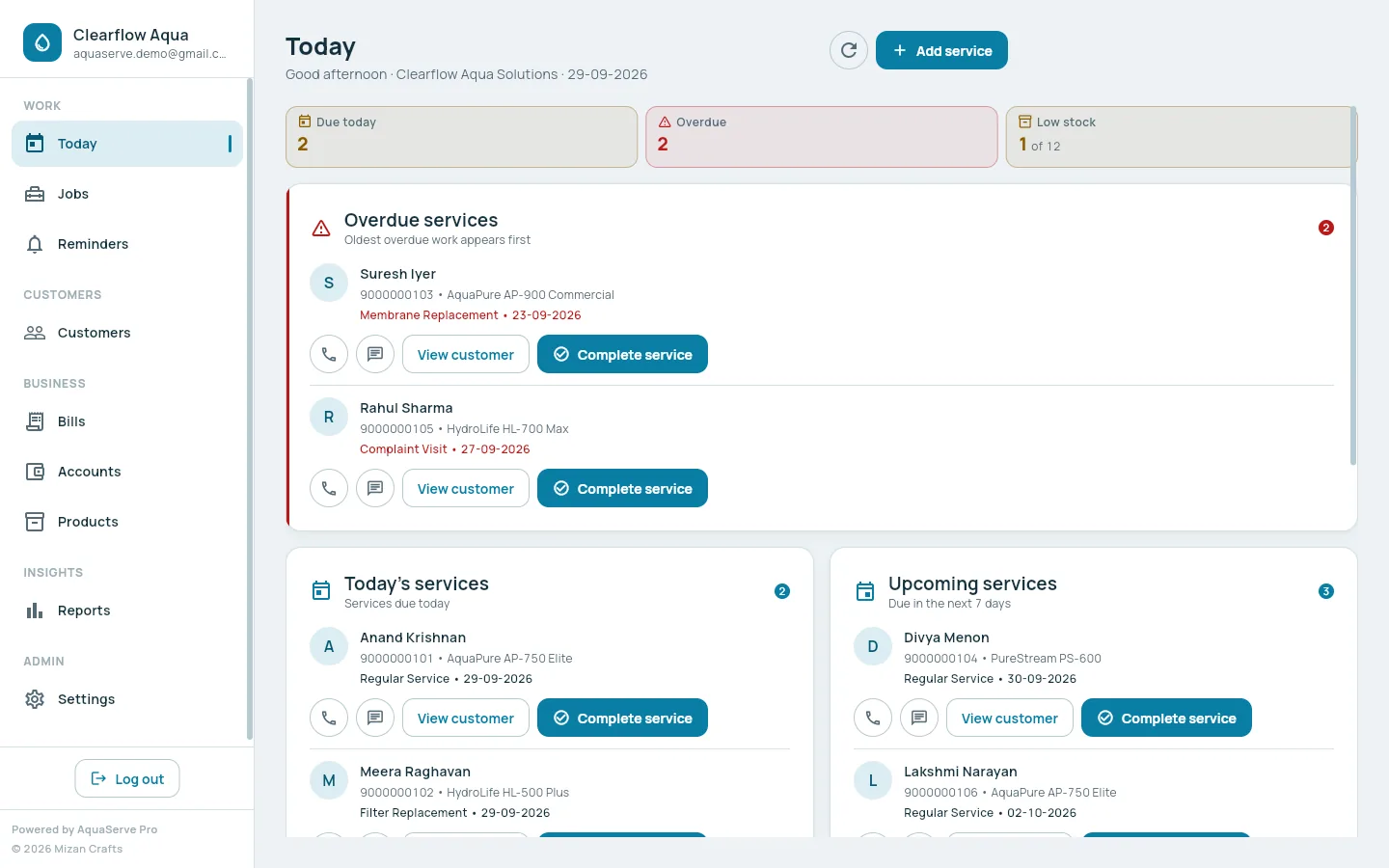
Open Today
Overdue services, services due today, and low stock, before you leave the shop.
At the customer
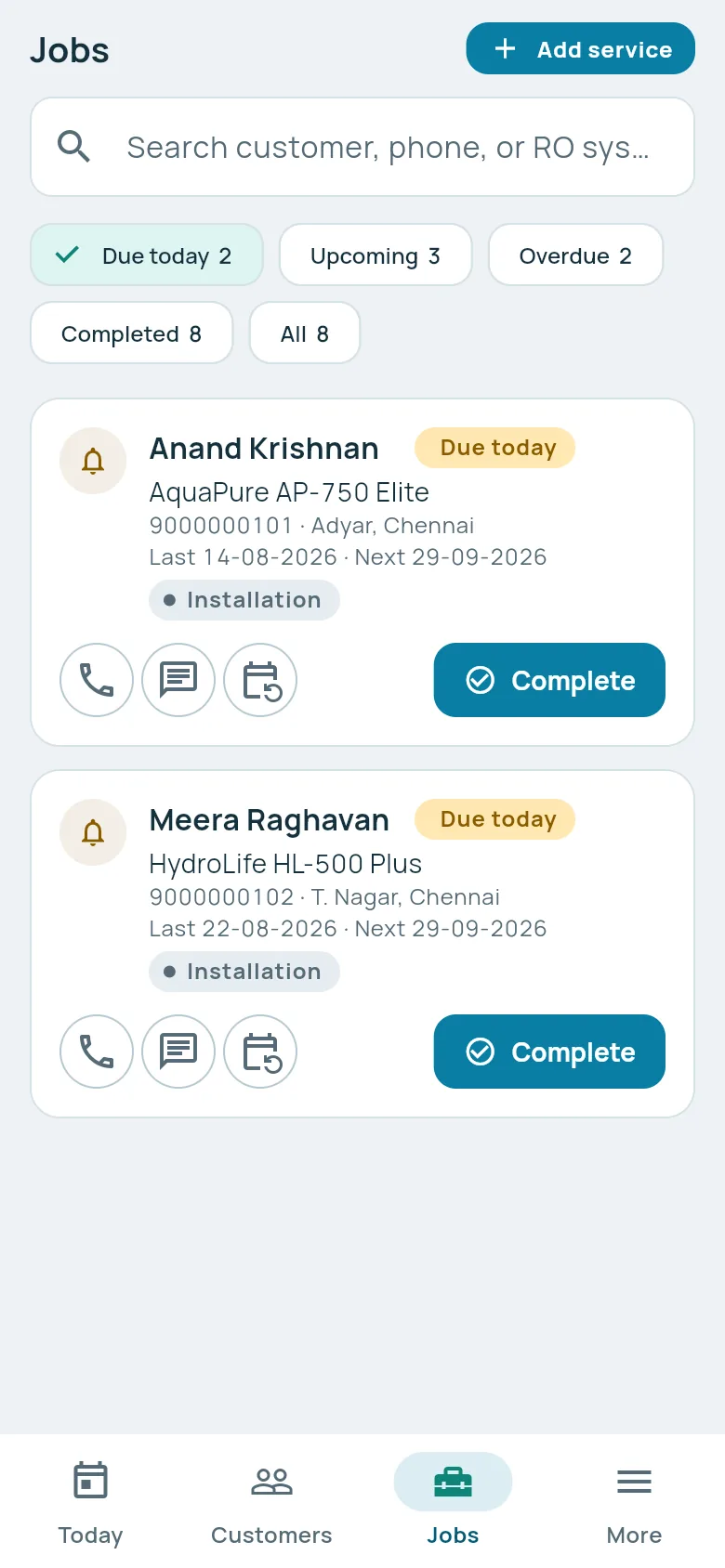
Complete the service
Record the work, the parts used and the payment on your phone. Set the next service date.
Straight after
Send the bill
Save & Generate Bill, then send the PDF to the customer on WhatsApp.
Evening
Check accounts
See what was collected today, add the day's expenses, and see who still owes money.